
What “stable” should mean for you
Decide your standard: zero driver resets for a week of normal play is a stronger bar than ten minutes of a single benchmark. Write down the workloads that matter. Competitive games, compilation-heavy open worlds, and VR if applicable.
Transient loads and why they break tight curves
Games spike power demand in milliseconds. If your VF curve removes margin at the wrong voltage point, those spikes become hard resets. Widening the curve slightly often buys more stability than chasing the last degree.
Change one variable at a time
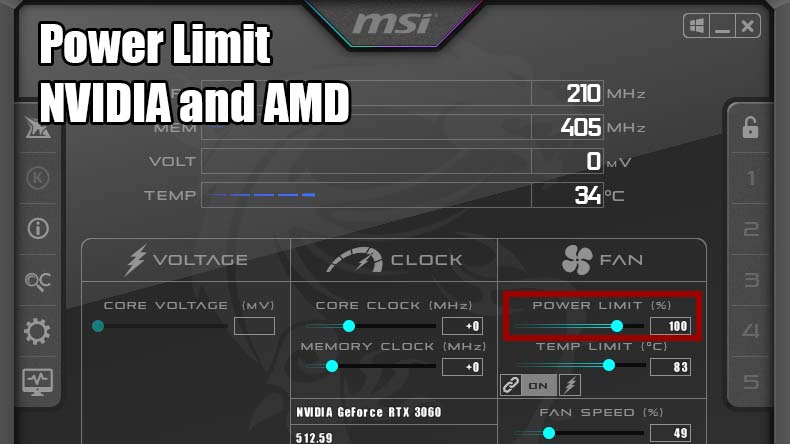
Do not simultaneously tighten VF points, raise memory offset, and max power limits on day one. Isolation is how you learn what actually caused the crash.
Thermals vs performance: a honest trade-off
Sometimes the best undervolt loses 2–3% peak FPS but drops noise dramatically. That can be a worthwhile exchange for daily driving settings.
Next steps
If stable, lock settings into a profile and keep a “known good” export. If unstable, revert and read the OC Scanner article before combining automation with aggressive offsets.
Elsewhere on this site
Keep context when you leave this page
Long guides read best with the FAQ for quick recovery steps and the glossary for vocabulary. The home page links the full screenshot tour and download reminders.